
Key takeaways
- IronLedger includes ten built-in programs.
- Review the days, exercises, training values, and progression summary before activation.
- Imported and custom programs are better fits when you already have a specific plan.
- Every program, load recommendation, and analytics view is free. There is no paid tier.
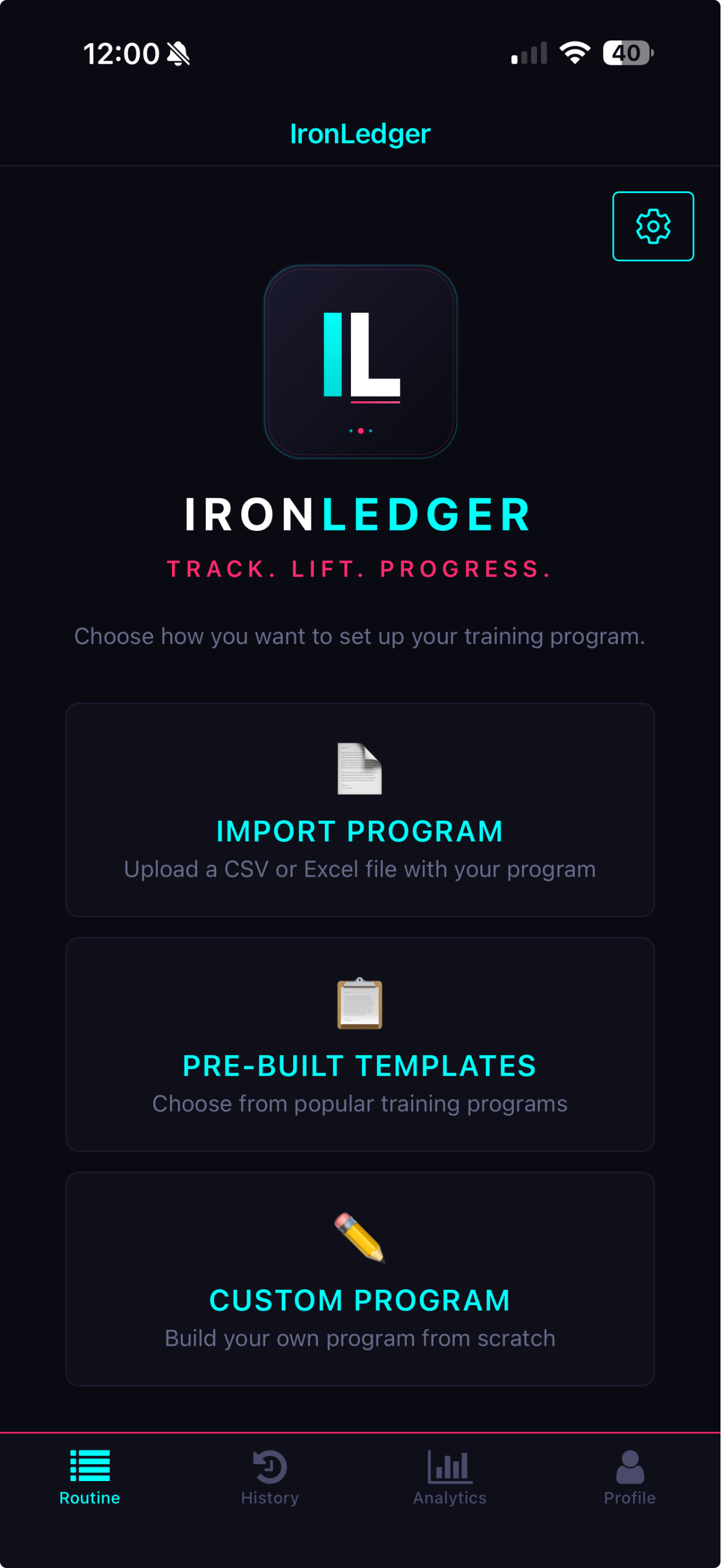
Choose a template, import a spreadsheet, or build a custom program.
Which built-in templates are available?
IronLedger includes ten built-in programs:- Starting Strength
- 5/3/1
- PHUL
- Push Pull Legs
- Arnold Split
- Heavy Duty
- Blood and Guts
- Bodyweight Strength
- Upper/Lower Powerbuilding
- Challenge to Change
1
Open templates
On the Routine tab, tap Templates. With a program already loaded, open Library and
tap Browse templates.
2
Configure the template
Enter the training values requested by the wizard. Review exercise selection and training days.
3
Create the program
Confirm the preview. IronLedger creates the weeks and days and makes the program available to
activate.
How do the catalogue and load recommendations work?
Filter the catalogue with the chips at the top: New, Beginner, Intermediate, 3 days, 4 days, Strength, or Hypertrophy. Review the program’s progression summary before loading it. Guided programs set loads from your own numbers. 5/3/1 and Challenge to Change work from a training max, which is 90% of a tested or estimated one-rep max by default and can be changed. The Why sheet shows the arithmetic behind a load. The five load-and-go programs (Starting Strength, 5/3/1 Boring But Big, PHUL, Push/Pull/Legs Strength Bias, and Upper/Lower Powerbuilding) recommend each exercise’s load for the next session, with where it came from and a one-sentence reason. If you hit every prescribed rep and the effort was easy (RPE 7 or below, RIR 3 or more, or no effort logged), the load goes up by 2.5 in your unit. Otherwise it holds. Editing a recommended value marks it as a manual override for that session. Custom and imported programs don’t get load recommendations. Everything here is free, with no in-app purchase.Frequently asked questions
Can I change a template after creating it?
Can I change a template after creating it?
Yes. Review and edit the created program before training. Changes to future prescriptions do not
rewrite workout sessions you already completed.
Can I use a program from my coach?
Can I use a program from my coach?
Yes. Import the CSV or Excel file your coach sends. See
Programs from a coach.
Do any programs cost extra?
Do any programs cost extra?
No. IronLedger is free. Every built-in program, load recommendation, and analytics view is
included, with no in-app purchase.
Next steps
Build your own program
Create weeks, days, exercises, progression targets, and deloads.
Import a spreadsheet
Turn a CSV or Excel program into an editable plan.